

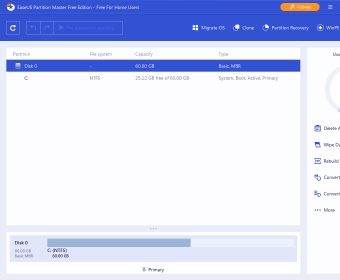
EASEUS Partition Master Home Edition is a free partition manager. It allows you to delete and resize partitions and create new ones using the unallocated space on your hard drive. It is a very complete tool that can be especially useful in case of hard drive failure. There are four versions of Partition Master. The Home Edition has a very good number of features and it is absolutely free for personal use.
Hard drive partitioning has come a long way since the days of PQ Magic. Now everything is easier and much faster than back then. It has been a pleasure for me to test this application and in a way see how technology has improved over the last 10 years. A simple operation like resizing a current partition and creating a new one from unallocated space was done in under 5 minutes (reboot time included), while it could take hours not so long ago.
As I have mentioned, Partition Master Home Edition has an incredible number of features. I can't mention all of them. But I will tell you a bit about my favorite ones. The first one that comes to mind is the app's ability to copy partitions. This can be very helpful when you want to duplicate hard drives or simply save your work partition. The process will be as fast as your hard drive is and the data you will be moving, but it is a savior. Another interesting feature is "Wipe Partition". Basically, you can use it to permanently erase a partition several times over so that data forensic applications have a hard time or are unable to recover files that were stored in that partition. more

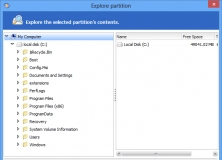
EASEUS Partition Master is an all-in-one disk partitioning tool.
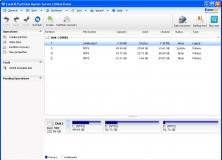
It is a Windows Server partition manager and reliable disk management toolkit.
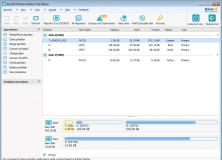
Manage partitions, convert dynamic disks, create bootable CDs and more.
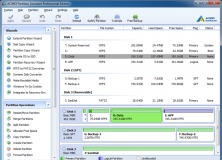

Best partition manager software for Windows 10, 8.1, 8, 7, Vista, XP (32/64-bit)







Comments (9)